This repo is archived based on Mario's request as it is outdated
React Tooltip





 IE / Edge |  Firefox |  Chrome |  Safari |  Opera |
|---|---|---|---|---|
| IE 8 + ✔ | Firefox 31.0+ ✔ | Chrome 31.0+ ✔ | Safari 7.0+ ✔ | Opera 30.0+ ✔ |

varTooltip=require('rc-tooltip');varReact=require('react');varReactDOM=require('react-dom');// By default, the tooltip has no style.// Consider importing the stylesheet it comes with:// 'rc-tooltip/assets/bootstrap_white.css'ReactDOM.render(<Tooltipplacement="left"trigger={['click']}overlay={<span>tooltip</span>}><ahref="#">hover</a></Tooltip>,container);npm start and then go to http://localhost:8007/examples
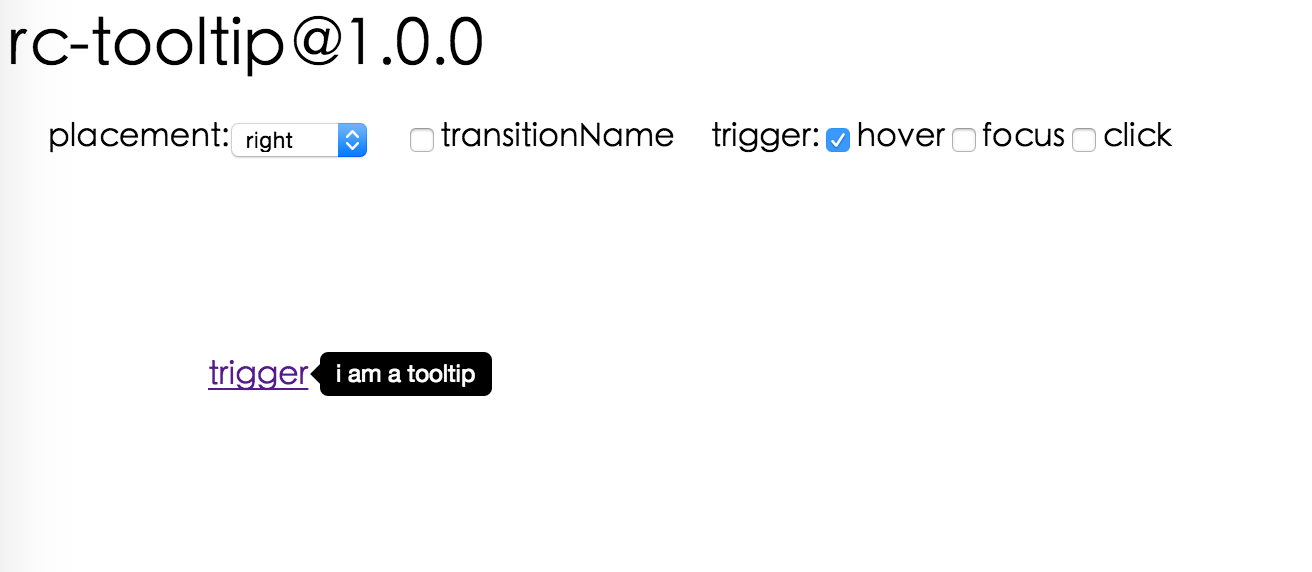
Online examples: https://react-component.github.io/tooltip/examples/
| name | type | default | description |
|---|---|---|---|
| overlayClassName | string | additional className added to popup overlay | |
| trigger | string[] | ['hover'] | which actions cause tooltip shown. enum of 'hover','click','focus' |
| mouseEnterDelay | number | 0 | delay time to show when mouse enter.unit: s. |
| mouseLeaveDelay | number | 0.1 | delay time to hide when mouse leave.unit: s. |
| overlayStyle | Object | additional style of overlay node | |
| prefixCls | String | rc-tooltip | prefix class name |
| transitionName | String|Object | same as https://github.com/react-component/animate | |
| onVisibleChange | Function | call when visible is changed | |
| afterVisibleChange | Function | call after visible is changed | |
| visible | boolean | whether tooltip is visible | |
| defaultVisible | boolean | whether tooltip is visible initially | |
| placement | String | one of ['left','right','top','bottom', 'topLeft', 'topRight', 'bottomLeft', 'bottomRight'] | |
| align | Object: alignConfig of [dom-align](https://github.com/yiminghe/dom-align) | value will be merged into placement's config | |
| onPopupAlign | function(popupDomNode, align) | callback when popup node is aligned | |
| overlay | React.Element | () => React.Element | popup content | |
| arrowContent | React.Node | null | arrow content |
| getTooltipContainer | function | Function returning html node which will act as tooltip container. By default the tooltip attaches to the body. If you want to change the container, simply return a new element. | |
| destroyTooltipOnHide | boolean | false | whether destroy tooltip when tooltip is hidden |
| id | String | Id which gets attached to the tooltip content. Can be used with aria-describedby to achieve Screenreader-Support. |
Tooltip requires child node accepts onMouseEnter, onMouseLeave, onFocus, onClick event.
For accessibility purpose you can use the id prop to link your tooltip with another element. For example attaching it to an input element:
<Tooltip...id={this.props.name}><inputtype="text"...aria-describedby={this.props.name}/></Tooltip>If you do it like this, a screenreader would read the content of your tooltip if you focus the input element.
NOTE:role="tooltip" is also added to expose the purpose of the tooltip element to a screenreader.
npm install npm startnpm test npm run chrome-testnpm run coveragerc-tooltip is released under the MIT license.