





This is a coder plugin for Lottie Animation format.
We've already built one Lottie plugin, called SDWebImageLottiePlugin.
The main difference for these two components, it's How we play animation, and What dependency we use. In order to reduce the code size for unnecessary dependency, we separate these into 2 different repos.
This lottie framework dependent lottie-ios, which is maintained by Airbnb.
This plugin can only play animation by using their own LOTAnimationView.
Pros: It use vector rendering technology like Core Animation Layer, which means you can change your view dynamic size without lossing details or regenerate images.
Cons: Vector rendering is much slower than bitmap rendering. For small and massive lottie images, like emojis, small icons, this is not suitable.
This lottie framework dependent rlottie, which is maintained by Samsung.
This plugin can play animation on both SDAnimatedImageView and UIImageView/NSImageView.
Pros: It use bitmap rendering, each animation frame are rendered into the rasterized bitmap, not vector images. You can also preload all frames into memory, to get the best performance and 60FPS. This is also easy to integrate to UIKit/AppKit native framework.
Cons: Bitmap rendering does not support dynamic size changes. Once you want larger images, you need re-decoding the source lottie JSON, which is time-consuming and RAM consuming.
To run the example project, clone the repo, and run pod install from the Example directory first.
- iOS 9+
- macOS 10.11+
- tvOS 9.0+
- watchOS 2.0+
- Xcode 11+
SDWebImageLottieCoder is available through CocoaPods. To install it, simply add the following line to your Podfile:
pod'SDWebImageLottieCoder'SDWebImageLottieCoder is available through Carthage.
github "SDWebImage/SDWebImageLottieCoder" SDWebImageLottieCoder is available through Swift Package Manager.
letpackage=Package( dependencies:[.package(url:"https://github.com/SDWebImage/SDWebImageLottieCoder.git", from:"0.1")])SDWebImageLottieCoder is available through CocoaPods. To install it, simply add the following line to your Podfile:
pod'SDWebImageLottieCoder'Before using SDWebImage to load Lottie json, you need to register the Lottie Coder to your coders manager. This step is recommended to be done after your App launch (like AppDelegate method).
- Objective-C
// Add coder SDImageLottieCoder *lottieCoder = [SDImageLottieCoder sharedCoder]; [[SDImageCodersManager sharedManager] addCoder:lottieCoder];- Swift
// Add coder letlottieCoder=SDImageLottieCoder.shared SDImageCodersManager.shared.addCoder(lottieCoder)- Objective-C
// Lottie json loadingNSURL *lottieURL; UIImageView *imageView; [imageView sd_setImageWithURL:lottieURL];- Swift
// Lottie json loading letlottieURL:URLletimageView:UIImageView imageView.sd_setImage(with: lottieURL)- Objective-C
// Lottie json loading on animated image viewNSURL *lottieURL; SDAnimatedImageView *imageView; CGSize pixelSize = CGSizeMake(300, 300); [imageView sd_setImageWithURL:lottieURL placeholderImage:niloptions:0context:@{SDWebImageThumbnailPixelSize:@(pixelSize)}];- Swift
// Lottie json loading on animated image view letlottieURL:URLletimageView:SDAnimatedImageViewletpixelSize=CGSize(width:300, height:300) imageView.sd_setImage(with: lottieURL, placeholderImage:nil, options:[], contrext:[.thumbnailPixelSize : pixelSize])You can decode lottie image into aniamted UIImage/NSImage as well. If the lottie images have referenced external image resource, you can specify it as well.
- Objective-C
// Lottie image decodingNSData *lottieJSONData; NSBundle *imageBundle; // You can even download the external image from online to local path, then load the lottie animation UIImage *image = [[SDImageLottieCoder sharedCoder] decodedImageWithData:lottieJSONData options:@{SDImageCoderDecodeLottieResourcePath : imageBundle.resourcePath}];- Swift
// Lottie image decoding letlottieJSONData:DataletimageBundle:Bundle // You can even download the external image from online to local path, then load the lottie animation letimage=SDImageWebPCoder.shared.decodedImage(with: lottieJSONData, options:[.lottieResourcePath : imageBundle.resourcePath])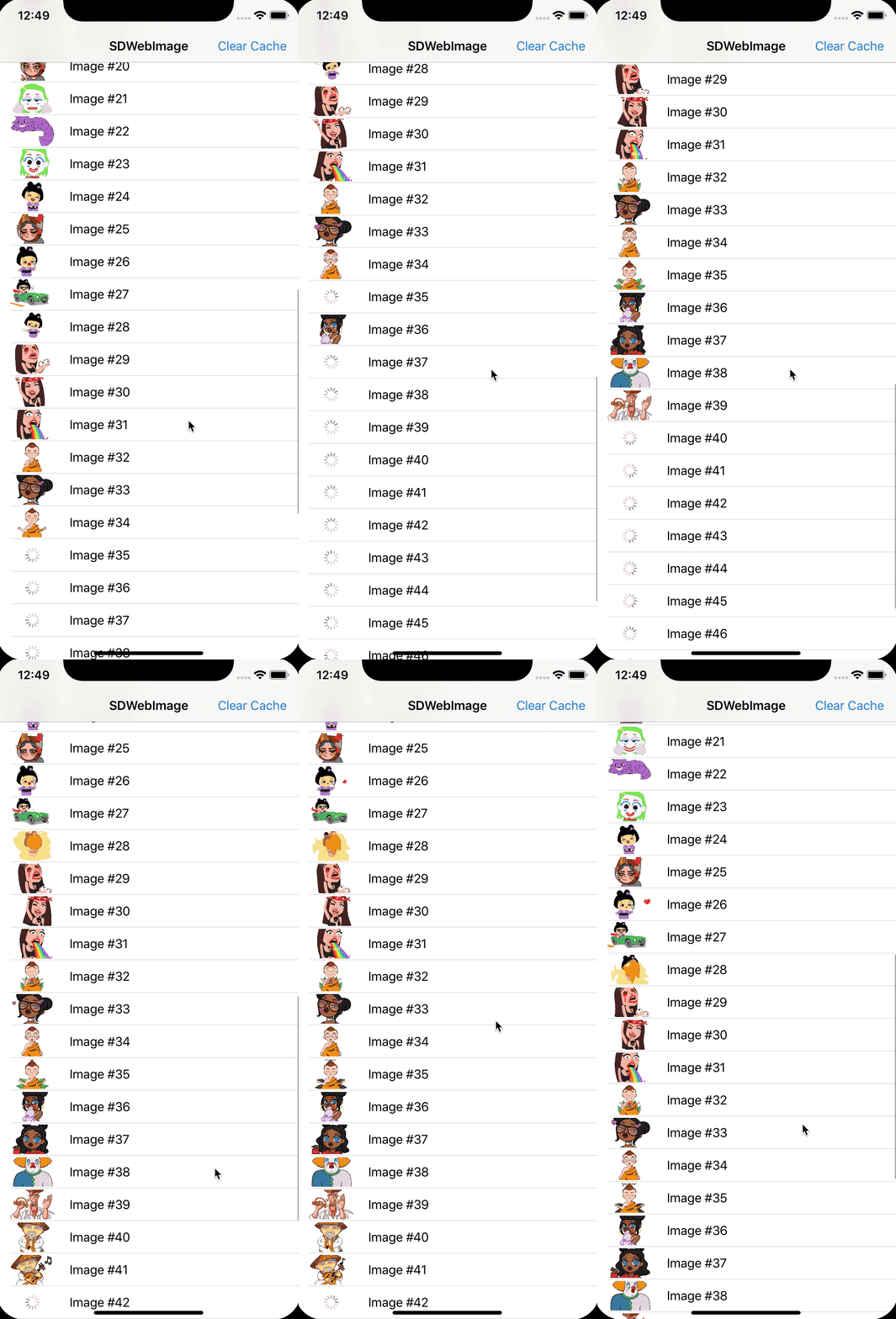
These Lottie animation stickers are from lottiefiles-telegram
DreamPiggy, [email protected]
SDWebImageLottieCoder is available under the MIT license. See the LICENSE file for more info.