Get and process data acquired from the scale (Withings WS50)
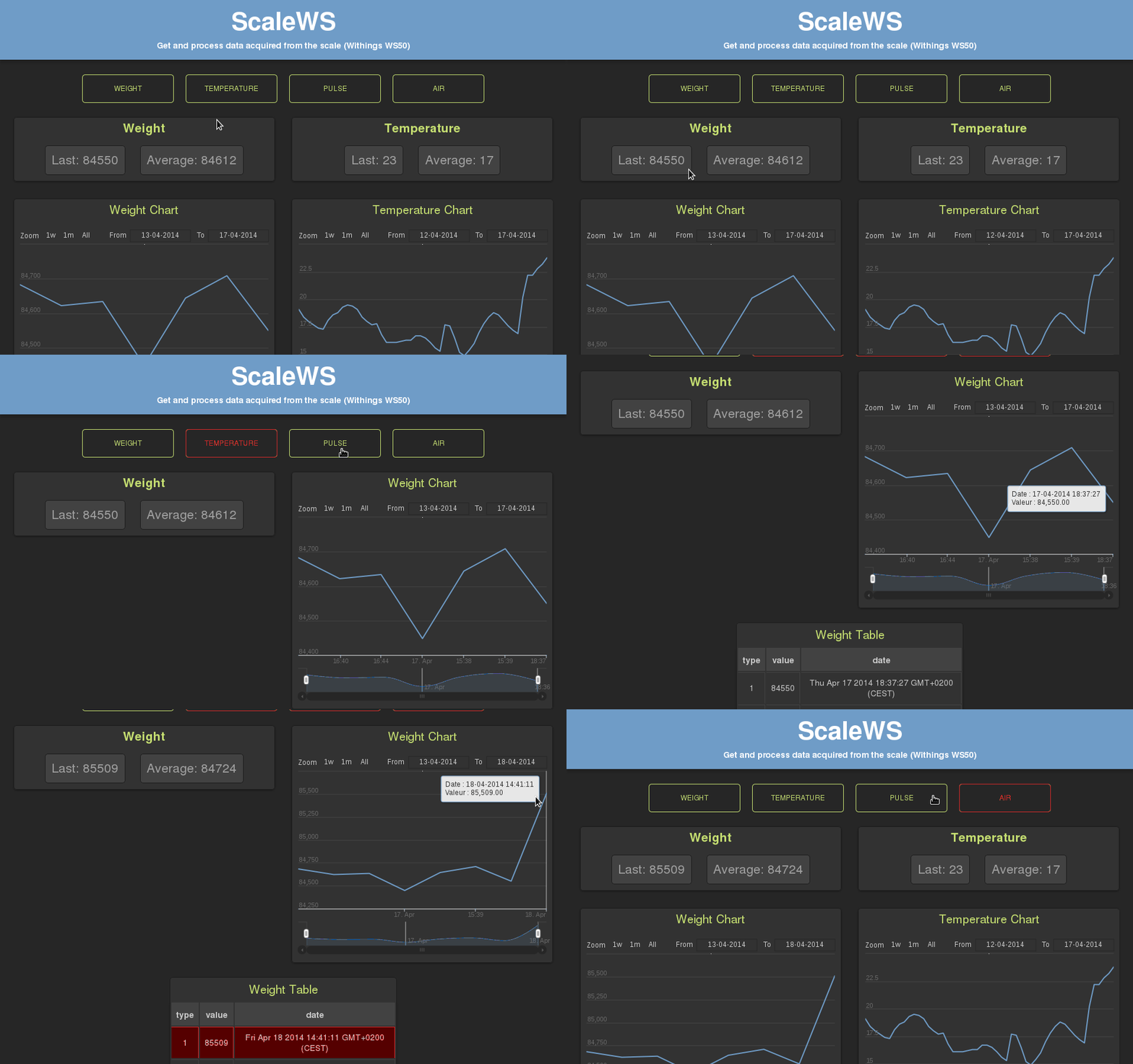
You can also add/update/delete a value by using the user interface.
Make sure you have node installed.
Make sure you have access to a mongoDB database.
Install the required node dependencies:
npm install(Optional) You can stock the data to a different collection by editing the config.js file, by default the data are stocked in mongodb://localhost/scalews_dev.
You can also import our dumped MongoDB collection.Launch the Node Server: (it should install the client/bower dependencies automatically)
grunt devYou can add a predefined view (Average/Text/Chart/Menu) by editing the public/js/config.js file.
views: {chart: {// type of view0: {el: "chart-weight",// DOM element (id)title: "Weight Chart",// Title of the viewtheme: dark,// Theme of the view -> public/styles/js/dark-light-theme.jstype: 1// What data do you want to display? Here 1 === weight},You have also to add the DOM element in the view/index.jade file.
You can add your own view by editing the public/js/view/App.View.js file.
You have to add your view(s) in the function below:
initViews: function(){// Here is an example with HighChart Views// HighChartView -> public/views/measure/HighChart.View.js// Config -> public/js/config.js_.each(Config.views.chart,function(c){newHighChartView(c,this.collection);},this);// Add your custom view here// ...}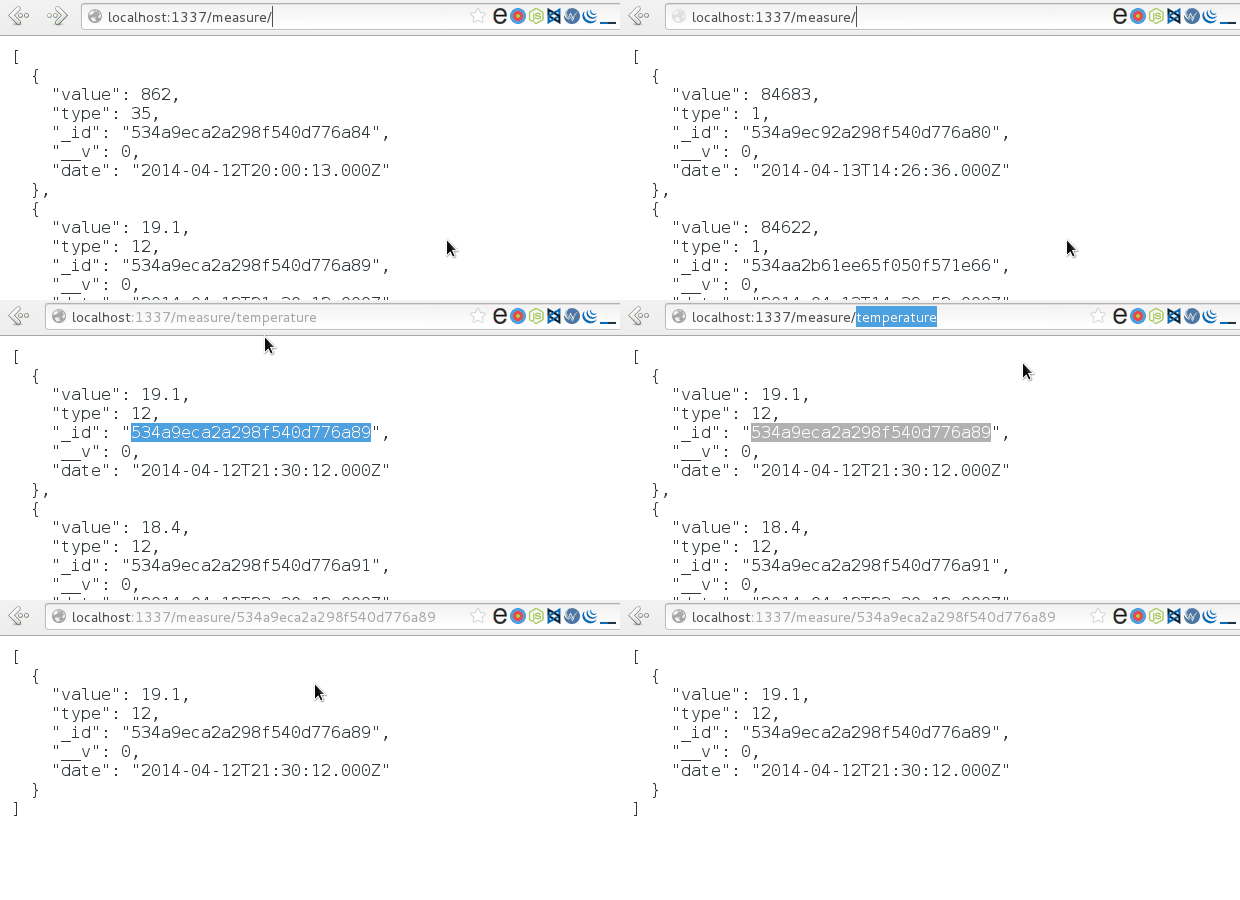
You can also add/update/delete data thanks to the API.
See the description of the API View for more details.
##How does ScaleWS work ##MongoDB Dump Download & extract the dump DB and use this command to restore it:
mongorestore --noIndexRestore##Slides