





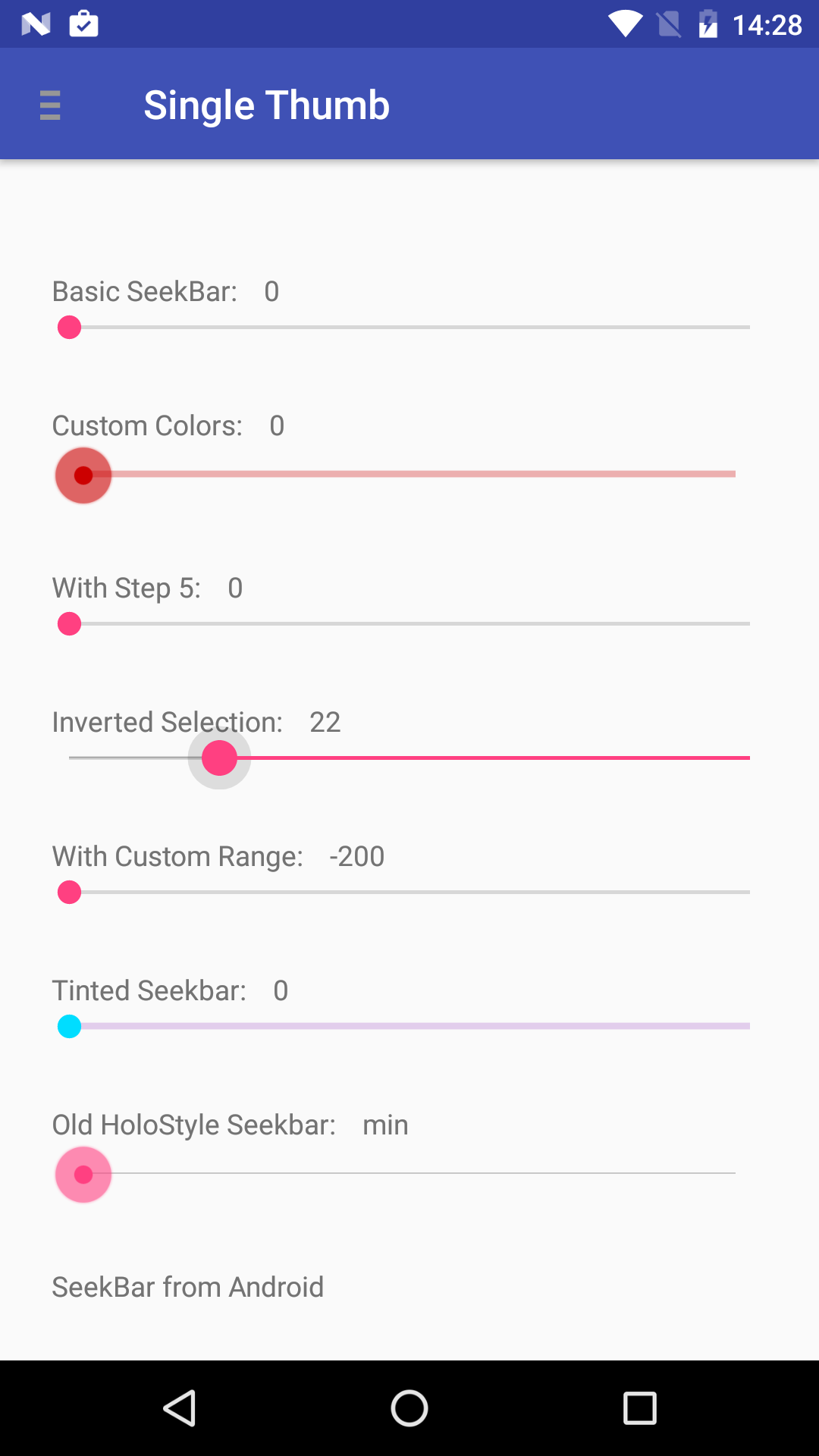
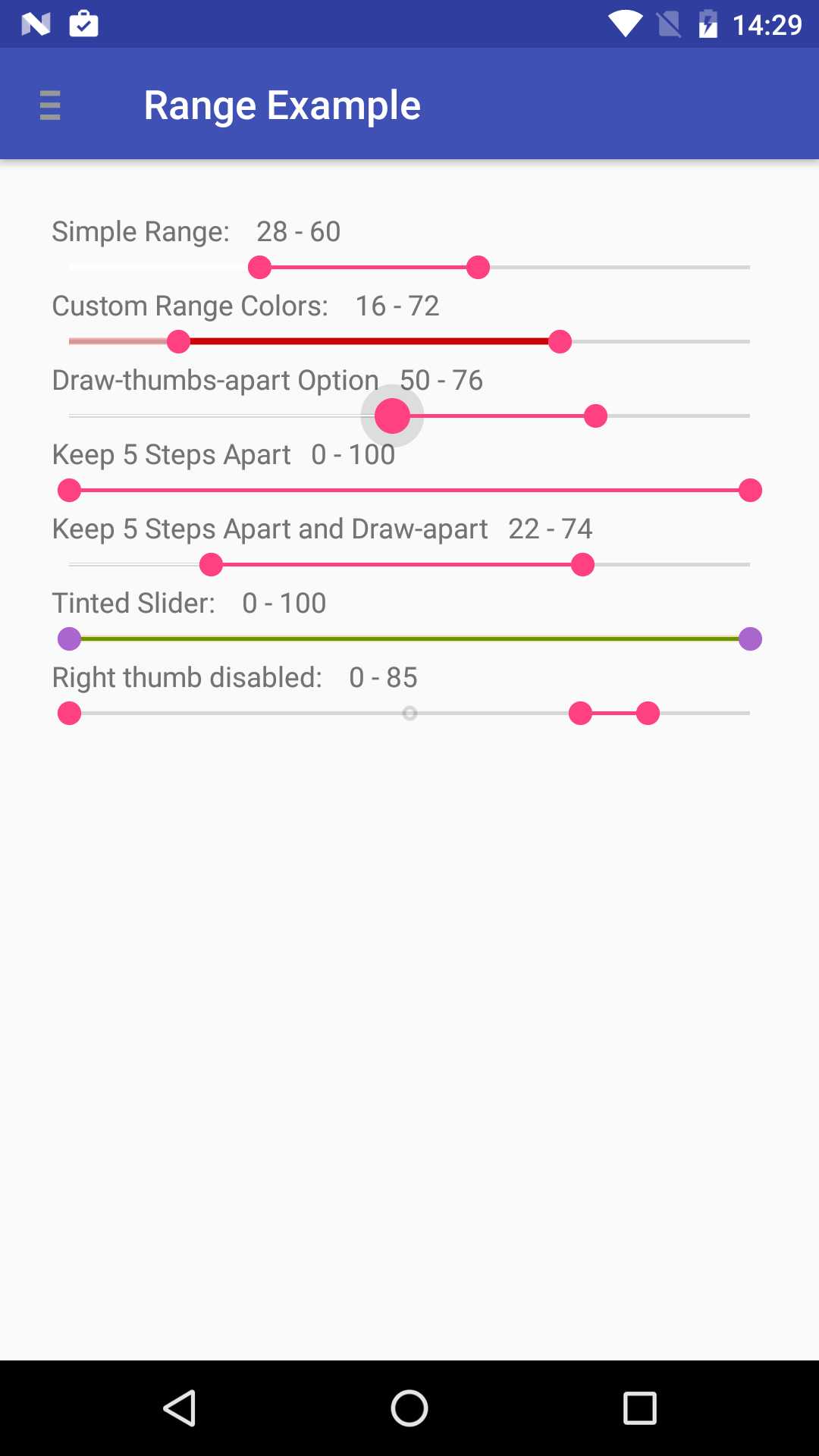
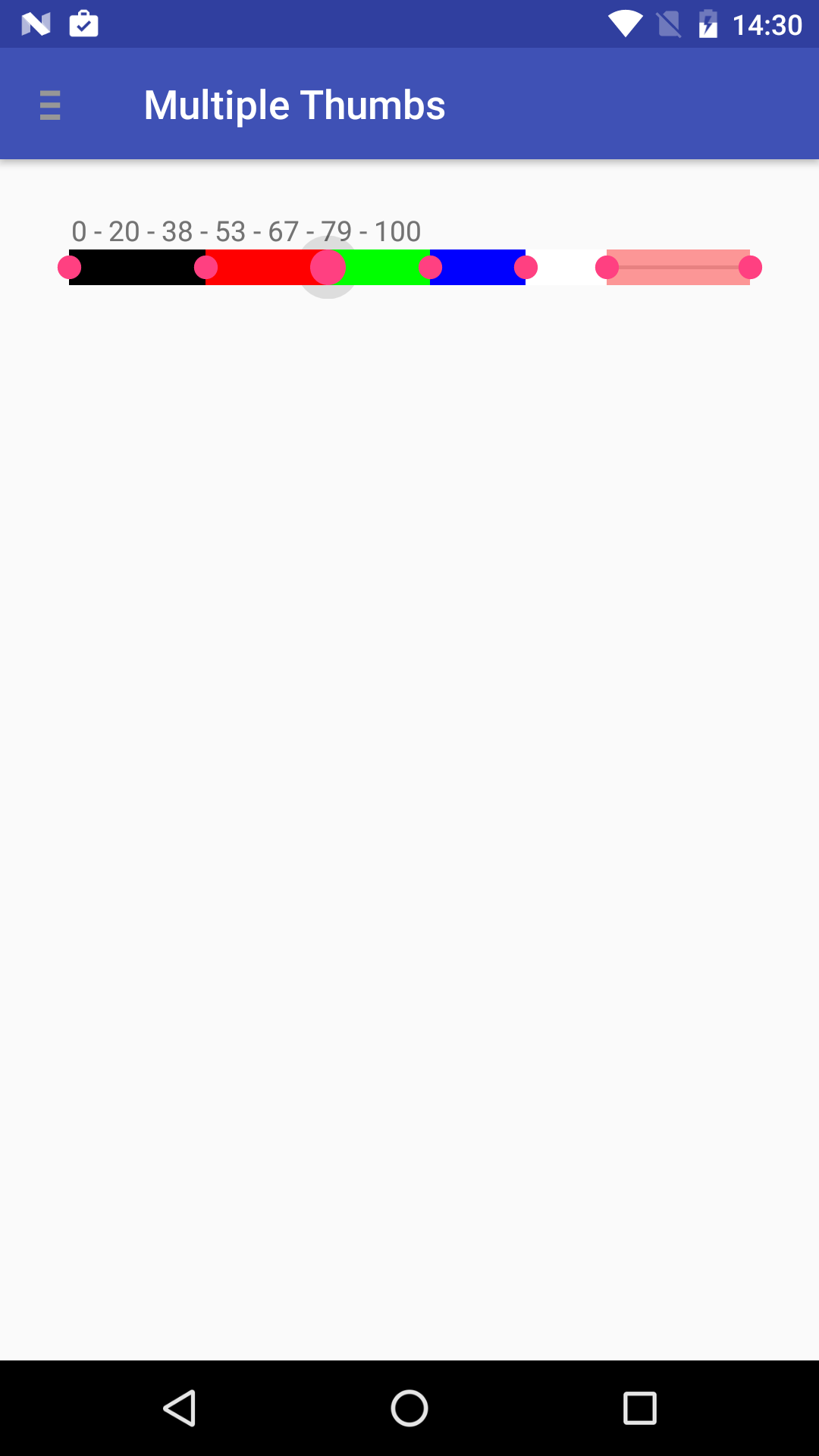
MultiSlider is multifunctional and multi-thumb custom view component for Android. It Can be used as a normal Android seekbar, a range bar and multi-thumb bar. MultiSlider is extremely easy to use while still very flexible and customizable.
Developer can customize many features from XML layout or programmatically.
Find the latest AARs or grab via Maven:
<dependency> <groupId>io.apptik.widget</groupId> <artifactId>multislider</artifactId> <version>1.3</version> </dependency> or Gradle:
implementation 'io.apptik.widget:multislider:1.3'Downloads of the released versions are available in Sonatype's releases repository.
in build.gradle:
configurations.all{resolutionStrategy.cacheChangingModulesFor 0, 'seconds' } repositories{maven{url "https://oss.sonatype.org/content/repositories/snapshots" } }in app.gradle:
dependencies{api ('io.apptik.widget:multislider:1.3.1-SNAPSHOT'){changing =true } }Snapshots of the development versions are available in Sonatype's snapshots repository.
- View Dimensions
- Number of thumbs, from 0 to any. Default is 2
- Thumb offset. default is half the thumb width
- Track drawable
- Global Range drawable
- Separate Range drawables for each thumb
- Global Thumb drawable (supporting selector drawable)
- Separate Thumbs drawables (via XML thumb 1 and 2 can be specified, via code all)
- Global Min and Max scale limits
- Specific Min and Max limits for each thumb
- Values for thumbs (via XML thumb 1 and 2 can be specified, via code all)
- Scale step
- Option to draw thumbs apart, in order to be easier to select thumbs with the same or similar value
- Option to keep thumbs apart a specific number of steps in order not to allow thumbs to have same or similar values
<io.apptik.widget.MultiSlider android:id="@+id/range_slider5"android:layout_width="match_parent"android:layout_height="wrap_content"app:thumbNumber="2"app:stepsThumbsApart="5"app:drawThumbsApart="true" />MultiSlidermultiSlider5 = (MultiSlider)v.findViewById(R.id.range_slider5); multiSlider5.setOnThumbValueChangeListener(newMultiSlider.OnThumbValueChangeListener(){@OverridepublicvoidonValueChanged(MultiSlidermultiSlider, MultiSlider.Thumbthumb, intthumbIndex, intvalue){if (thumbIndex == 0){doSmth(String.valueOf(value))} else{doSmthElse(String.valueOf(value))} } }); <stylename="AppTheme"parent="..."> <itemname="multiSliderStyle">@style/Widget.MultiSlider</item> </style> <stylename="Widget.MultiSlider"parent="android:Widget"> </style> <stylename="AppTheme"parent="..."> <itemname="multiSliderStyle">@style/sliderHoloStyle</item> </style> implementation 'io.apptik.widget:multislider-holo:1.3'MultiSlider comes with ready testing support for both Espresso and UiAutomator
in build.gradle:
androidTestImplementation 'io.apptik.widget:multislider-espresso:1.3'in test code:
for (inti = 0; i < 90; i++){onView(ViewMatchers.withId(R.id.multiSlider3)) .perform(moveThumbForward(0))} onView(ViewMatchers.withId(R.id.multiSlider3)) .perform(setThumbValue(0, 50)); for (inti = 0; i < 15; i++){onView(ViewMatchers.withId(R.id.multiSlider3)) .perform(moveThumbBackward(0))}in build.gradle:
androidTestImplementation 'io.apptik.widget:mslider-uiautomator:1.3'in test code:
UiMultiSliderslider = newUiMultiSlider(newUiCollection(newUiSelector() .className(MultiSlider.class) .resourceIdMatches(".*multiSlider3.*")) .getChild(newUiSelector().textStartsWith("thumb 0:"))); for (inti = 0; i < 15; i++){slider.moveThumbForward()} slider.setThumbValue(10); for (inti = 0; i < 10; i++){slider.moveThumbBackward()}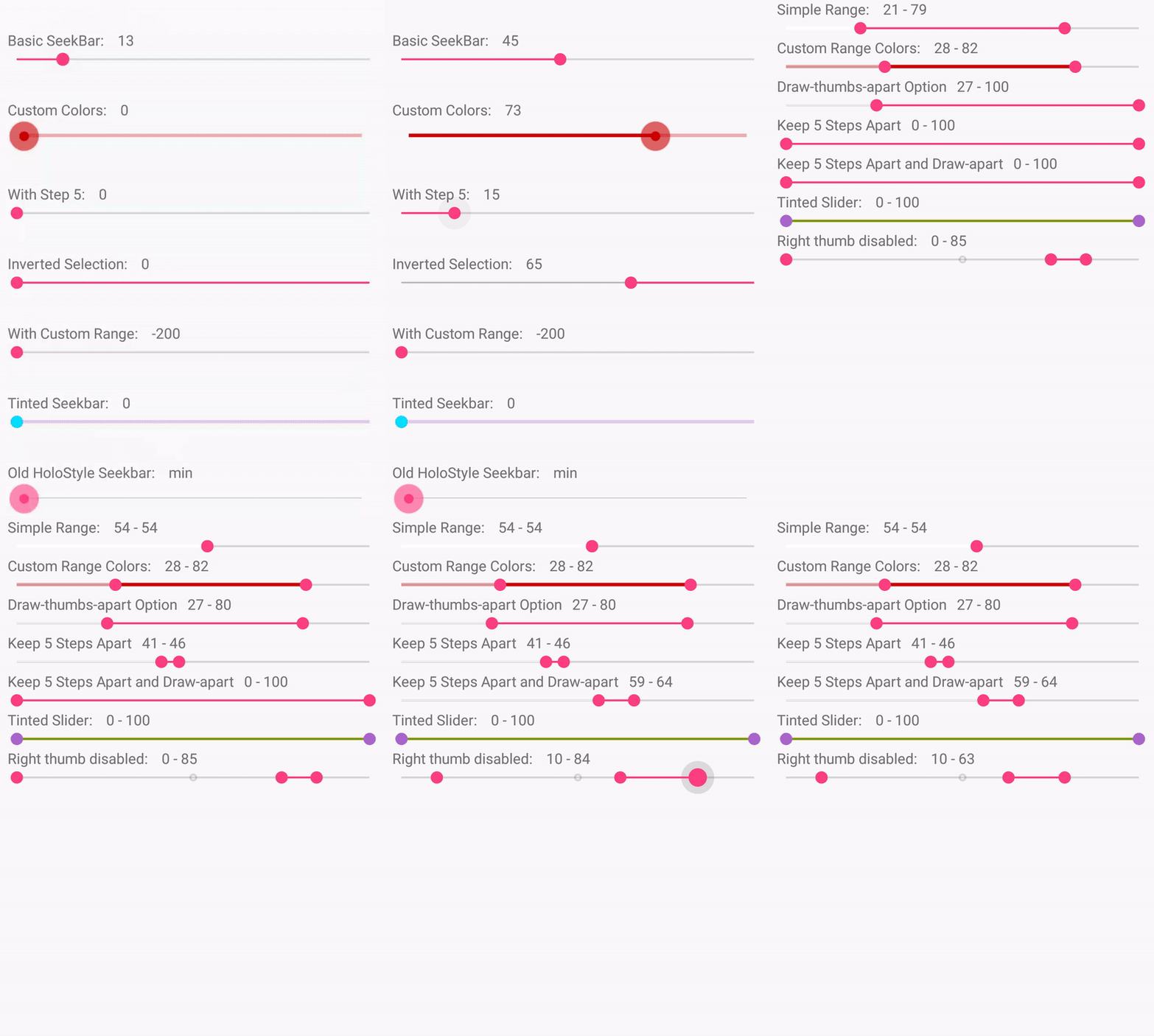
Copyright (C) 2016 AppTik Project Copyright (C) 2014 Kalin Maldzhanski Licensed under the Apache License, Version 2.0 (the "License"); you may not use this file except in compliance with the License. You may obtain a copy of the License at http://www.apache.org/licenses/LICENSE-2.0 Unless required by applicable law or agreed to in writing, software distributed under the License is distributed on an "AS IS" BASIS, WITHOUT WARRANTIES OR CONDITIONS OF ANY KIND, either express or implied. See the License for the specific language governing permissions and limitations under the License. Anyone is welcome to contribute via GitHub pull requests.
This is a rough outline of what a contributor's workflow looks like:
- Create a topic branch from where you want to base your work (usually master).
- Make commits of logical units.
- Make sure your commit message
- Push your changes to a topic branch in your fork of the repository.
- Make sure the tests pass, and add any new tests as appropriate.
- Submit a pull request to the original repository.
Thanks for your contributions!