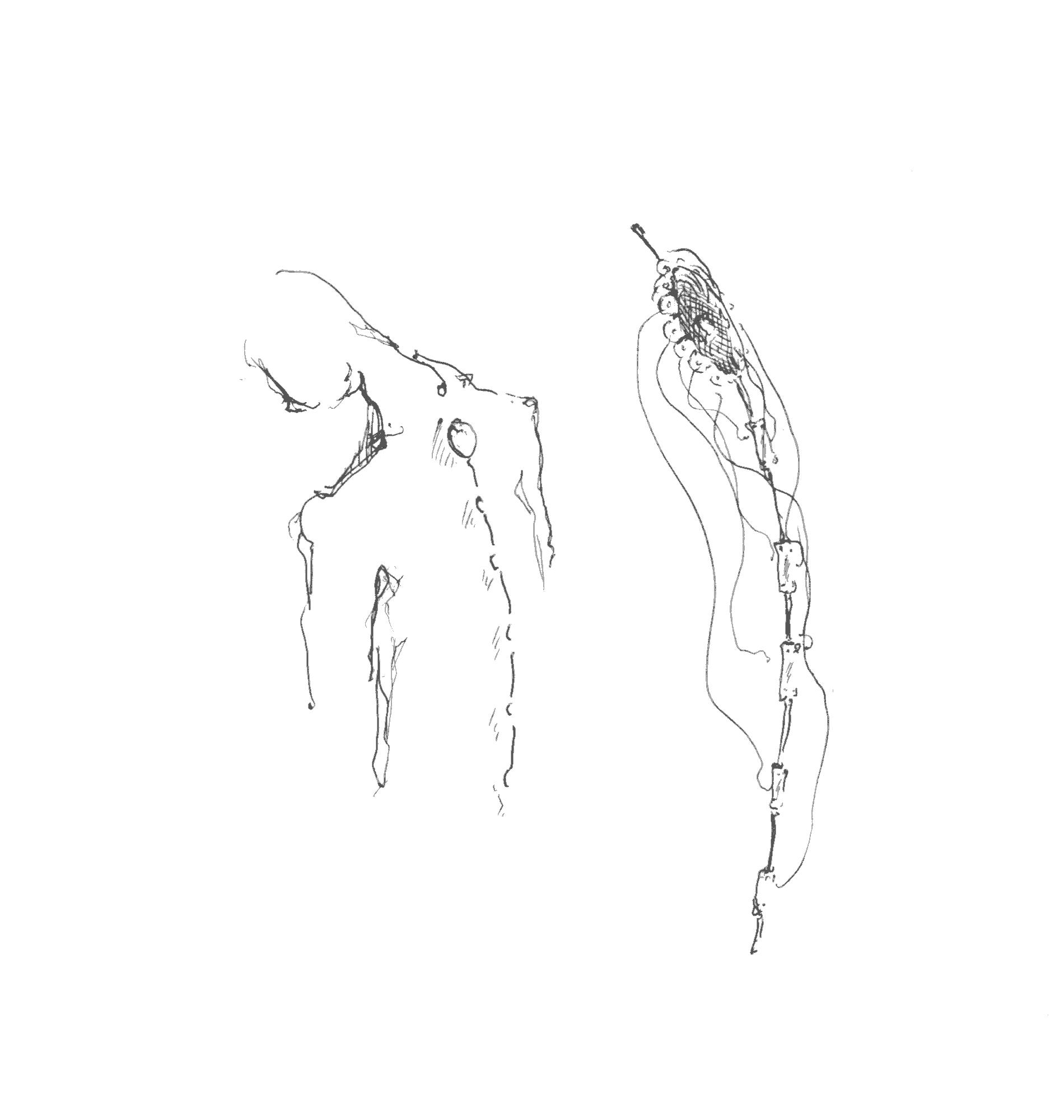
Spinal helps you to “hear” your spine condition. This wearable technology serves as an amplifying interface for the spine. Your spine allows you to move and feel due to its major role in the nervous system. This project aims to raise awareness about your spine by creating a shape-shifting interface of communication which can adapt to any spine. In order to prevent an ongoing deterioration, Spinal will help your spine to manifest its condition using a real-time 3D OpenGL visualisation. This wearable wireless piece can serve both medical and artistic purposes.
VisualizationSerial communicationReal-time eulier anglesBluetooth integration- Calibrations
- Spine reconstruction
Artificial using Catmull-Rom Spline- Real based on mathematical model
- User interactions
Real-time OpenGL visualization
scroll z-zoom arrows rotate w move forward s move backward a move left d move right l display lines p display points g generate spine Tested on Arch Linux.
Dependencies: glew glm glfw-x11 mesa-demos
Compile: cd src/dots/; make arch
Run it: ./run.sh <serial-port>
Logic: Spinal Serial over USB <-> Dots
./run /dev/ttyUSB0 Note: quickly test Spinal over bluetooth with an Android using S2 Terminal for Bluetooth application.
Dots:
Logic: Spinal Serial over Bluetooth Mate <-> Laptop Bluetooth adapter <-> Dots
Install the dependencies:
pacman -S bluez In recent bluez-utils versions rfcomm is missing so we downgrade it:
pacman -S libs/bluez-utils-5.31-1-x86_64.pkg.tar.xz Activate the module:
modprobe btusb Add user to group and logout for changes to take effect:
sudo gpasswd --add <user> lp Start the service:
systemctl start bluetooth Pair the device using bluetoothctl where ````` its mac address:
power on agent on scan on ... wait ... scan off pair <dev> We are expecting serial so we can't simply connect to it. We have to emulate serial over bluetooth by binding the paired device to a serial port:
rfcomm bind 0 <dev> Finally, run the visualization:
./run /dev/rfcomm0 To reset everything:
# bash rfcomm release 0 # bluetoothctl remove <dev> power off Vsevolod (Seva) Ivanov - [email protected]
Copyright 2017 Vsevolod (Seva) Ivanov. All rights reserved.