








A lightweight Angular library to add a loading spinner to your Angular Material buttons.
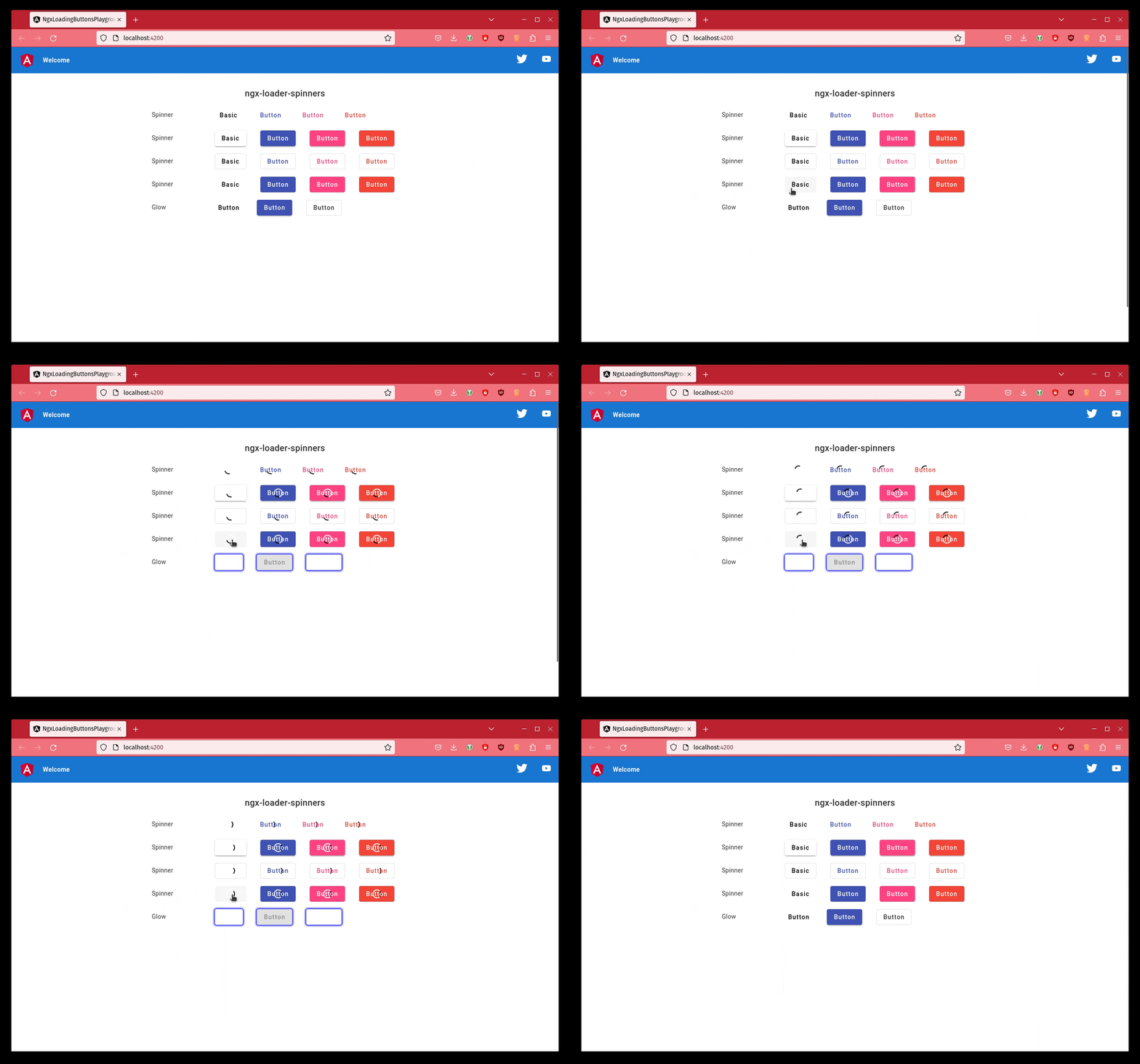
ng add ngx-loading-buttons Import the NgxLoadingButtonsModule into your AppModule. You can configure it as shown below:
import{NgModule}from'@angular/core';import{BrowserModule}from'@angular/platform-browser';import{NgxLoadingButtonsModule}from'ngx-loading-buttons';import{AppComponent}from'./app.component'; @NgModule({declarations: [AppComponent],imports: [BrowserModule,NgxLoadingButtonsModule,],providers: [],bootstrap: [AppComponent]})exportclassAppModule{}And last of all, add it to your <button> element like this.
<buttonmat-raised-button[mtBasicSpinner]="true">Basic</button>You can also hide the button's text like this.
<buttonmat-raised-button[mtBasicSpinner]="true" [hideText]="true">Basic</button>A "real-world component" would likely look like this.
import{Component}from'@angular/core'; @Component({selector: 'app-root',templateUrl: './app.component.html',styleUrls: ['./app.component.css']})exportclassAppComponent{saving: boolean=false;save(): void{this.saving=true;// Juggle 5 hens while wiggling your toes and other magic... 🤡}}And our template file.
<buttonmat-raised-button[mtBasicSpinner]="saving" (click)="save()">Basic</button>Add our styles to yours
@import'ngx-loading-buttons/styles';Found a bug? Want to request a feature? Confused? Or wanna simply comment on how useful this library is?
Open an issue here.
Thanks goes to these wonderful people (emoji key):
 Daniel Kreider 💻 |  Totto 💻 |  Raphaël Balet 💻 |  Arthur Ming 💻 |  Thomas Renger 💻 |  mixer904 💻 |  Fabien Wautriche 🐛 |  tux1337 🐛 |  Milán Németh 🐛 |  Adrien 🐛 |
This project follows the all-contributors specification.
Contributions of any kind welcome!