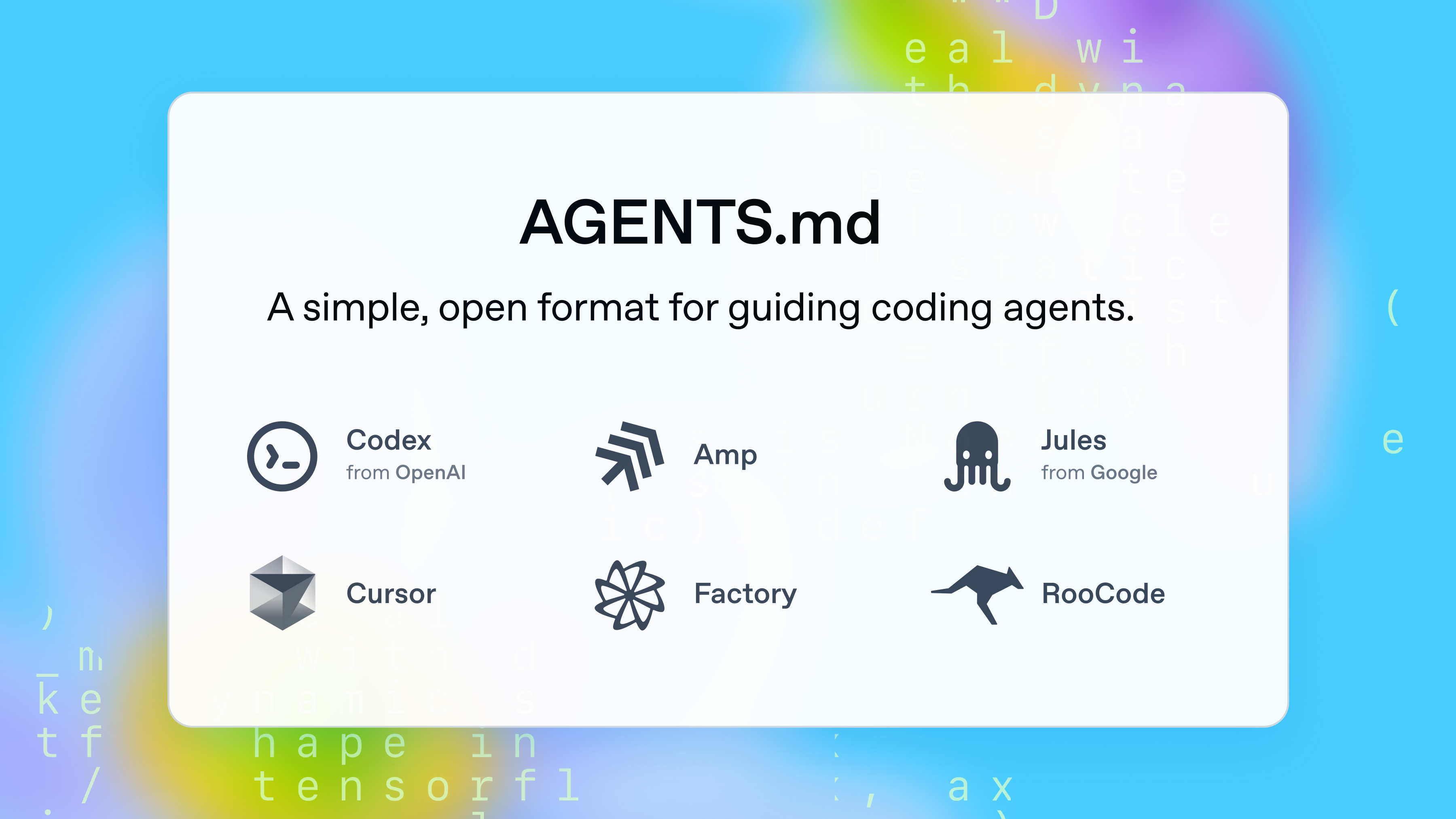
AGENTS.md is a simple, open format for guiding coding agents.
Think of AGENTS.md as a README for agents: a dedicated, predictable place to provide context and instructions to help AI coding agents work on your project.
Below is a minimal example of an AGENTS.md file:
# Sample AGENTS.md file## Dev environment tips- Use `pnpm dlx turbo run where <project_name>` to jump to a package instead of scanning with `ls`. - Run `pnpm install --filter <project_name>` to add the package to your workspace so Vite, ESLint, and TypeScript can see it. - Use `pnpm create vite@latest <project_name> -- --template react-ts` to spin up a new React + Vite package with TypeScript checks ready. - Check the name field inside each package's package.json to confirm the right name—skip the top-level one. ## Testing instructions- Find the CI plan in the .github/workflows folder. - Run `pnpm turbo run test --filter <project_name>` to run every check defined for that package. - From the package root you can just call `pnpm test`. The commit should pass all tests before you merge. - To focus on one step, add the Vitest pattern: `pnpm vitest run -t "<test name>"`. - Fix any test or type errors until the whole suite is green. - After moving files or changing imports, run `pnpm lint --filter <project_name>` to be sure ESLint and TypeScript rules still pass. - Add or update tests for the code you change, even if nobody asked. ## PR instructions- Title format: [<project_name>] <Title> - Always run `pnpm lint` and `pnpm test` before committing.This repository also includes a basic Next.js website hosted at https://agents.md/ that explains the project’s goals in a simple way, and featuring some examples.
- Install dependencies:
npm install
- Start the development server:
npm run dev
- Open your browser and go to http://localhost:3000