English | 简体中文
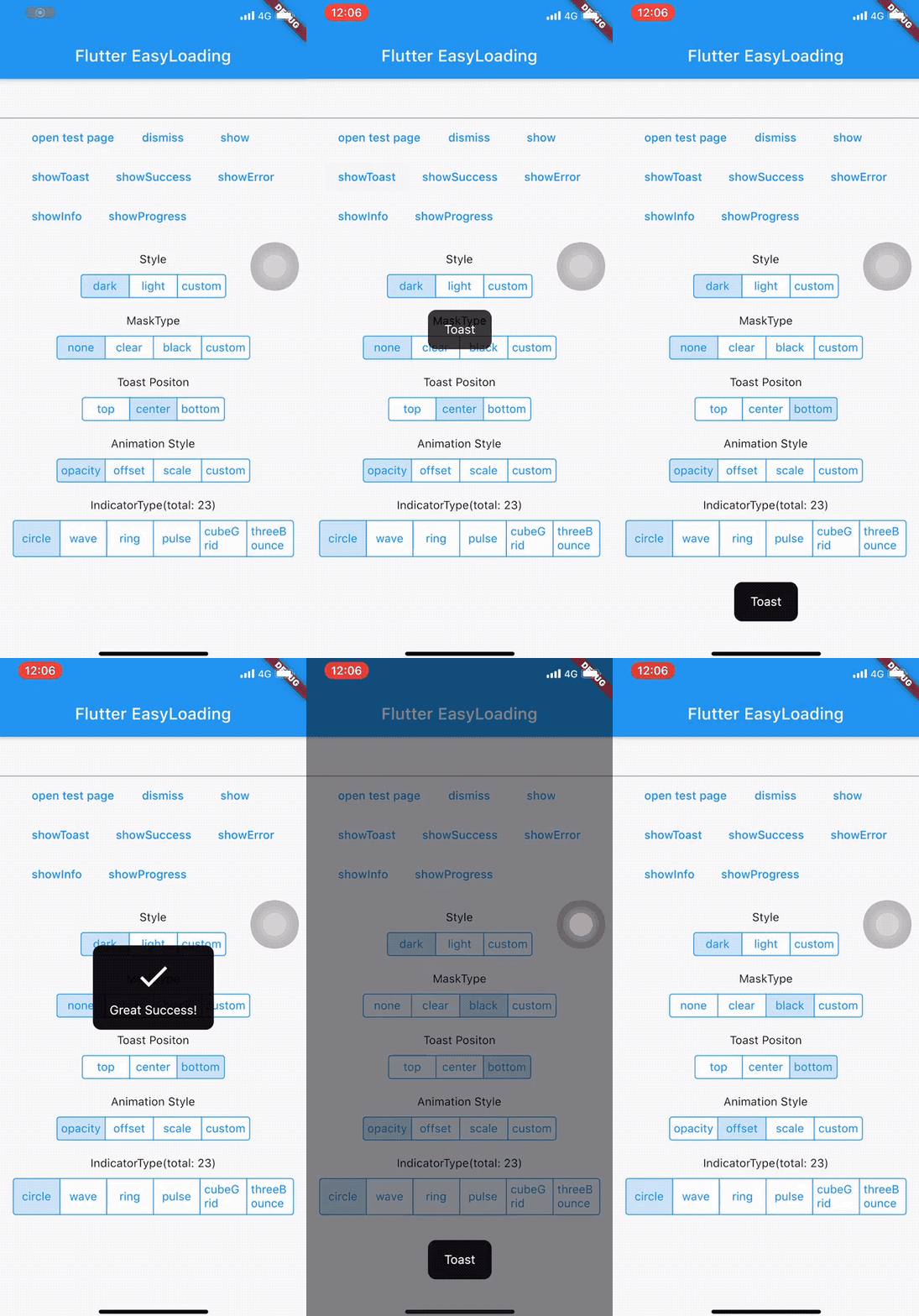
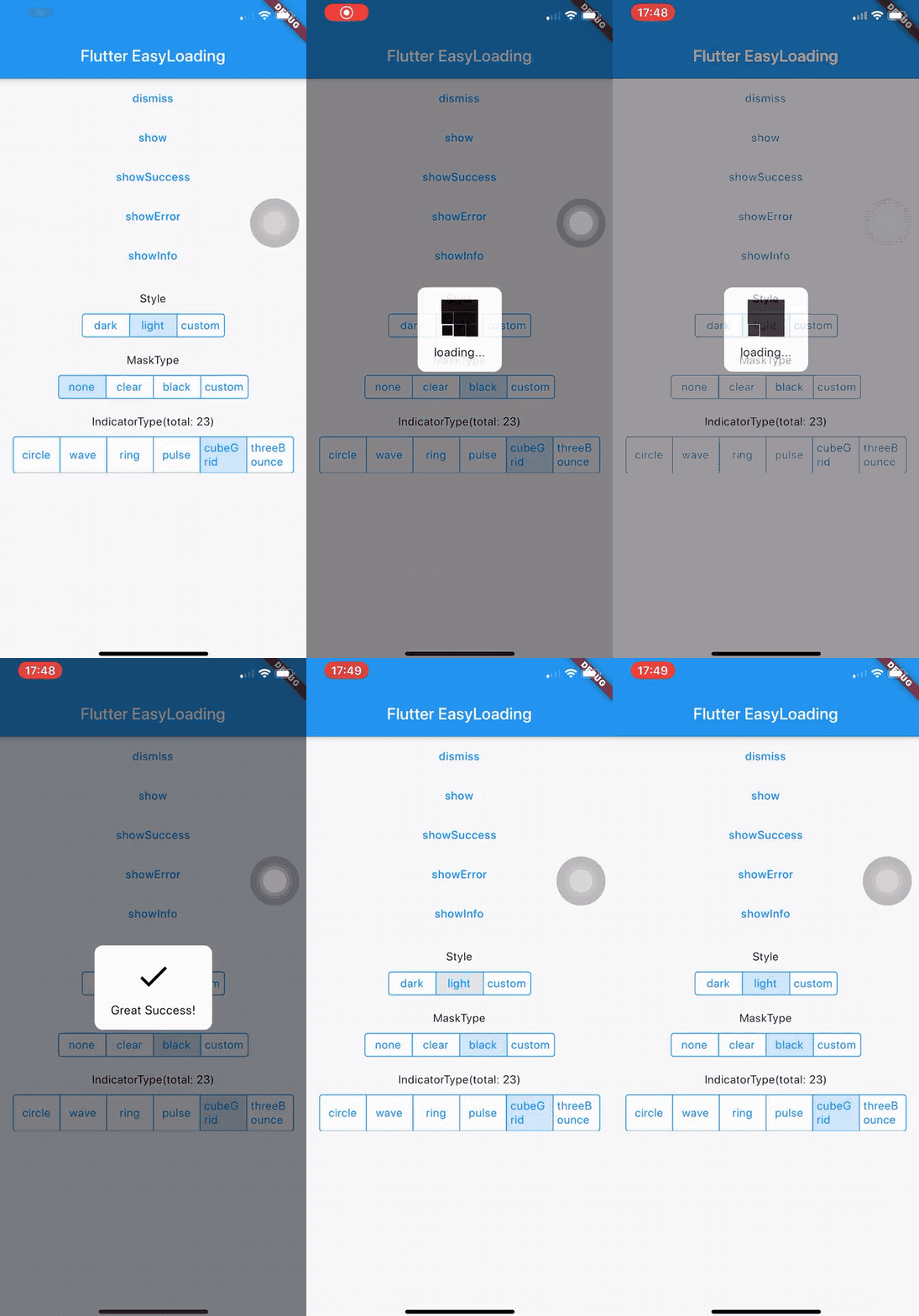
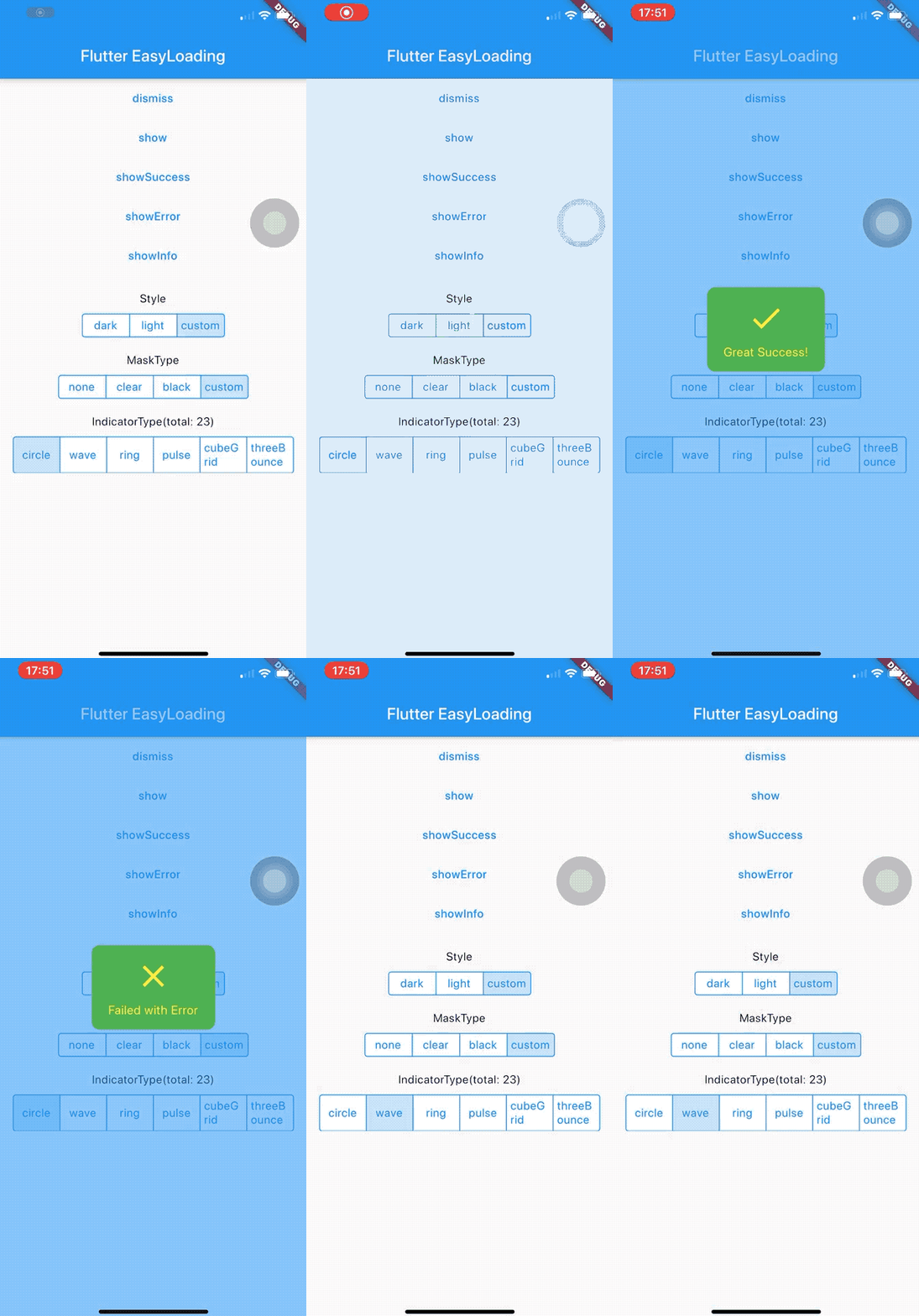
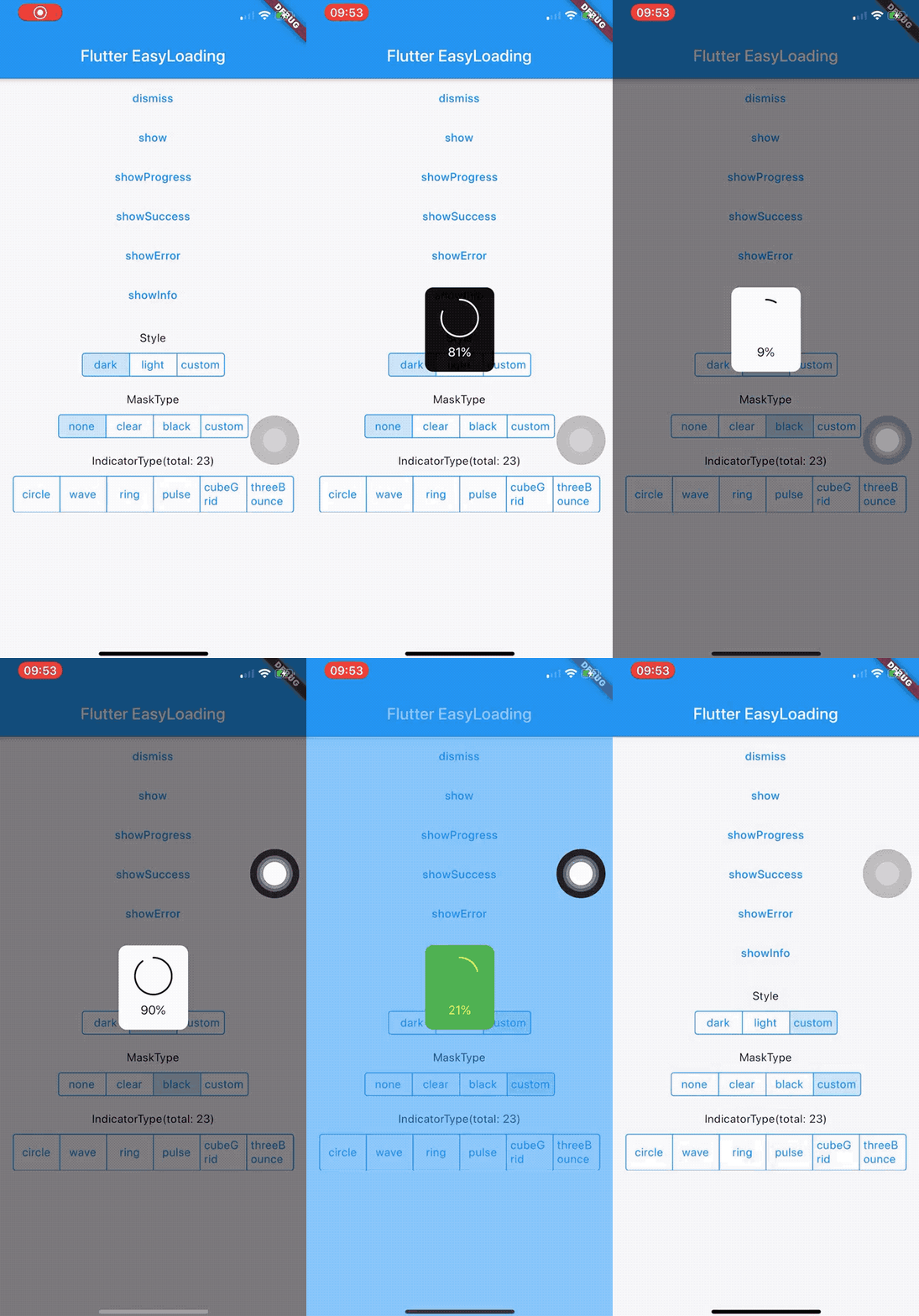
👉 https://nslogx.github.io/flutter_easyloading
Add this to your package's pubspec.yaml file:
dependencies: flutter_easyloading: ^latestimport'package:flutter_easyloading/flutter_easyloading.dart';First, initialize EasyLoading in your MaterialApp/CupertinoApp:
classMyAppextendsStatelessWidget{// This widget is the root of your application.@overrideWidgetbuild(BuildContext context){returnMaterialApp( title:'Flutter EasyLoading', theme:ThemeData( primarySwatch:Colors.blue, ), home:MyHomePage(title:'Flutter EasyLoading'), builder:EasyLoading.init(), )} }Then, enjoy yourself:
EasyLoading.show(status:'loading...'); EasyLoading.showProgress(0.3, status:'downloading...'); EasyLoading.showSuccess('Great Success!'); EasyLoading.showError('Failed with Error'); EasyLoading.showInfo('Useful Information.'); EasyLoading.showToast('Toast'); EasyLoading.dismiss();Add loading status callback
EasyLoading.addStatusCallback((status){print('EasyLoading Status $status')});Remove loading status callback(s)
EasyLoading.removeCallback(statusCallback); EasyLoading.removeAllCallbacks();❗️Note:
textColor、indicatorColor、progressColor、backgroundColoronly used forEasyLoadingStyle.custom.maskColoronly used forEasyLoadingMaskType.custom.
/// loading style, default [EasyLoadingStyle.dark].EasyLoadingStyle loadingStyle; /// loading indicator type, default [EasyLoadingIndicatorType.fadingCircle].EasyLoadingIndicatorType indicatorType; /// loading mask type, default [EasyLoadingMaskType.none].EasyLoadingMaskType maskType; /// toast position, default [EasyLoadingToastPosition.center].EasyLoadingToastPosition toastPosition; /// loading animationStyle, default [EasyLoadingAnimationStyle.opacity].EasyLoadingAnimationStyle animationStyle; /// loading custom animation, default null.EasyLoadingAnimation customAnimation; /// textAlign of status, default [TextAlign.center].TextAlign textAlign; /// textStyle of status, default null.TextStyle textStyle; /// content padding of loading.EdgeInsets contentPadding; /// padding of [status].EdgeInsets textPadding; /// size of indicator, default 40.0.double indicatorSize; /// radius of loading, default 5.0.double radius; /// fontSize of loading, default 15.0.double fontSize; /// width of progress indicator, default 2.0.double progressWidth; /// width of indicator, default 4.0, only used for [EasyLoadingIndicatorType.ring, EasyLoadingIndicatorType.dualRing].double lineWidth; /// display duration of [showSuccess][showError][showInfo], default 2000ms.Duration displayDuration; /// animation duration of indicator, default 200ms.Duration animationDuration; /// color of loading status, only used for [EasyLoadingStyle.custom].Color textColor; /// color of loading indicator, only used for [EasyLoadingStyle.custom].Color indicatorColor; /// progress color of loading, only used for [EasyLoadingStyle.custom].Color progressColor; /// background color of loading, only used for [EasyLoadingStyle.custom].Color backgroundColor; /// mask color of loading, only used for [EasyLoadingMaskType.custom].Color maskColor; /// should allow user interactions while loading is displayed.bool userInteractions; /// should dismiss on user tap.bool dismissOnTap; /// indicator widget of loadingWidget indicatorWidget; /// success widget of loadingWidget successWidget; /// error widget of loadingWidget errorWidget; /// info widget of loadingWidget infoWidget;Because of EasyLoading is a singleton, so you can custom loading style any where like this:
EasyLoading.instance ..displayDuration =constDuration(milliseconds:2000) ..indicatorType =EasyLoadingIndicatorType.fadingCircle ..loadingStyle =EasyLoadingStyle.dark ..indicatorSize =45.0 ..radius =10.0 ..progressColor =Colors.yellow ..backgroundColor =Colors.green ..indicatorColor =Colors.yellow ..textColor =Colors.yellow ..maskColor =Colors.blue.withOpacity(0.5) ..userInteractions =true ..dismissOnTap =false ..customAnimation =CustomAnimation();More indicatorType can see in 👉 flutter_spinkit showcase
example: 👉 Custom Animation
add progress indicator
add custom animation
Thanks to flutter_spinkit ❤️
Supported by JetBrains Open Source