An Android library makes it easier and more flexible to create multiple types of RecyclerViews.




Previously, when we need to develop a complex RecyclerView / ListView, it is difficult and troublesome work. We should override the getItemViewType() of RecyclerView.Adapter , add some types, and create some ViewHolders relating to those types. Once we need to add a new item type, we have to go to the original adapter file and modify some old codes carefully, and these adapter classes will get more complicated.
Nowadays, I created a new intuitive and flexible way to easily create complex RecyclerViews, with the MultiType library, we could insert a new item type without changing any old adapter codes and make them more readable.
In your build.gradle:
MultiType has been rebuilt based on AndroidX. If you are still using the android support library, please use multitype:3.4.4 and multitype-kotlin:3.4.4.
In addition, since 4.0.0 we have migrated to fully build with Kotlin. If you don't want to use Kotlin, you can use the last stable version multitype:3.5.0 and see 3.x.
dependencies{implementation 'me.drakeet.multitype:multitype:4.0.0-alpha3' }data classFoo( valvalue:String )classFooViewBinder: ItemViewBinder<Foo, FooViewBinder.ViewHolder>(){overridefunonCreateViewHolder(inflater:LayoutInflater, parent:ViewGroup): ViewHolder{returnViewHolder(inflater.inflate(R.layout.item_foo, parent, false)) } overridefunonBindViewHolder(holder:ViewHolder, item:Foo){holder.fooView.text = item.value Log.d("ItemViewBinder API", "position: ${getPosition(holder)}") Log.d("ItemViewBinder API", "items: $adapterItems") Log.d("ItemViewBinder API", "adapter: $adapter") Log.d("More", "Context: ${holder.itemView.context}") } classViewHolder(itemView:View): RecyclerView.ViewHolder(itemView){val fooView:TextView= itemView.findViewById(R.id.foo) } }classSampleActivity : AppCompatActivity(){privatelateinitvar adapter:MultiTypeAdapterprivatelateinitvar items:MutableList<Any> overridefunonCreate(savedInstanceState:Bundle?){super.onCreate(savedInstanceState) setContentView(R.layout.activity_list) val recyclerView = findViewById<RecyclerView>(R.id.list) adapter =MultiTypeAdapter() adapter.register(TextItemViewBinder()) adapter.register(ImageItemViewBinder()) adapter.register(RichItemViewBinder()) recyclerView.adapter = adapter val textItem =TextItem("world") val imageItem =ImageItem(R.mipmap.ic_launcher) val richItem =RichItem("小艾大人赛高", R.drawable.img_11) items =ArrayList() for (i in0..19){items.add(textItem) items.add(imageItem) items.add(richItem) } adapter.items = items adapter.notifyDataSetChanged() } }That's all, you're good to go!
One to many:
adapter.register(Data::class).to( DataType1ViewBinder(), DataType2ViewBinder() ).withKotlinClassLinker{_, data ->when (data.type){Data.TYPE_2->DataType2ViewBinder::classelse->DataType1ViewBinder::class } }See OneDataToManyActivity, OneToManyFlow and OneToManyEndpoint for more details.
More methods that you can override from ItemViewBinder:
openfunonBindViewHolder(holder:VH, item:T, payloads:List<Any>) openfungetItemId(item:T): LongopenfunonViewRecycled(holder:VH) openfunonFailedToRecycleView(holder:VH): BooleanopenfunonViewAttachedToWindow(holder:VH) openfunonViewDetachedFromWindow(holder:VH)An intellij idea plugin for Android to generate MultiTypeItem and ItemViewBinder easily.

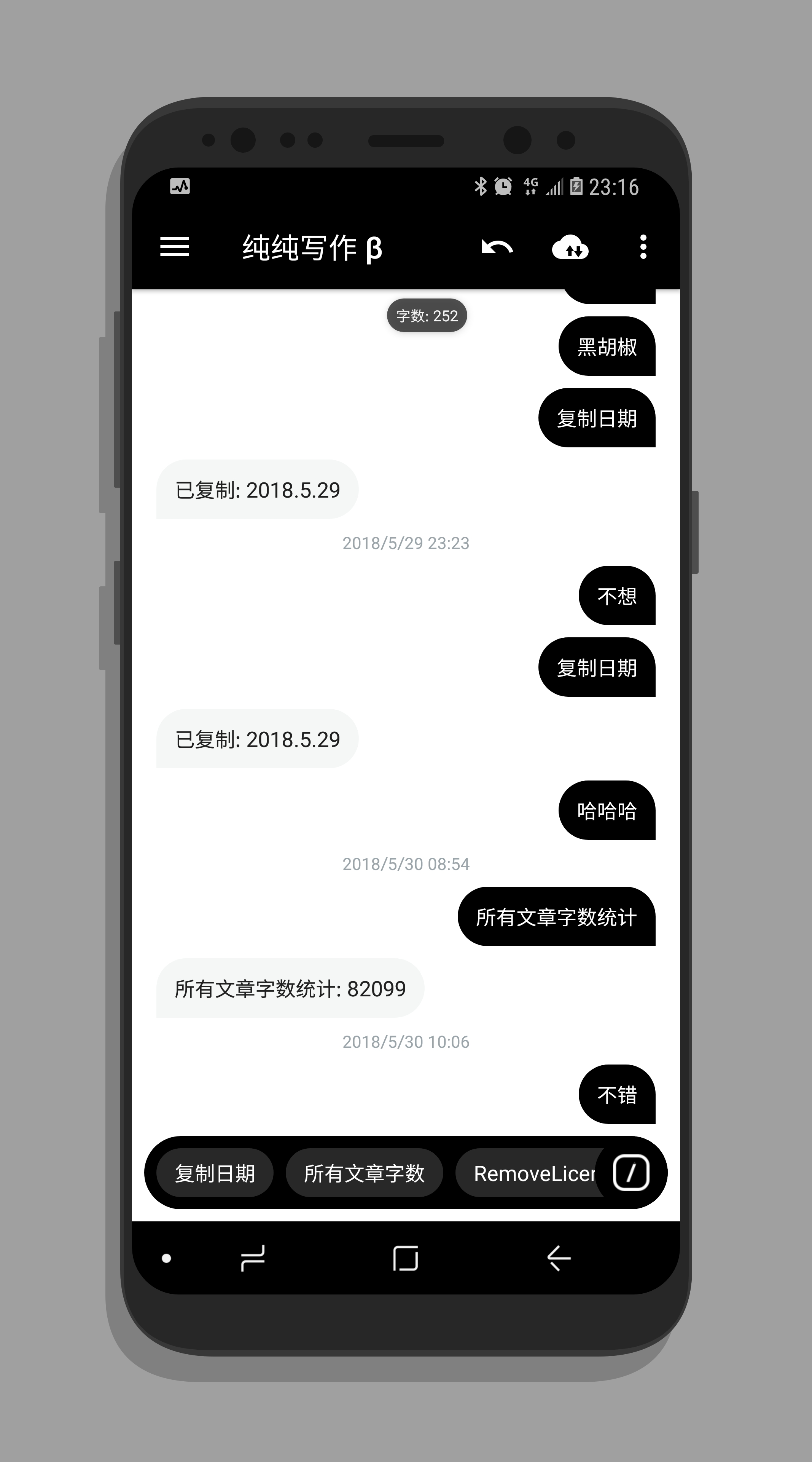
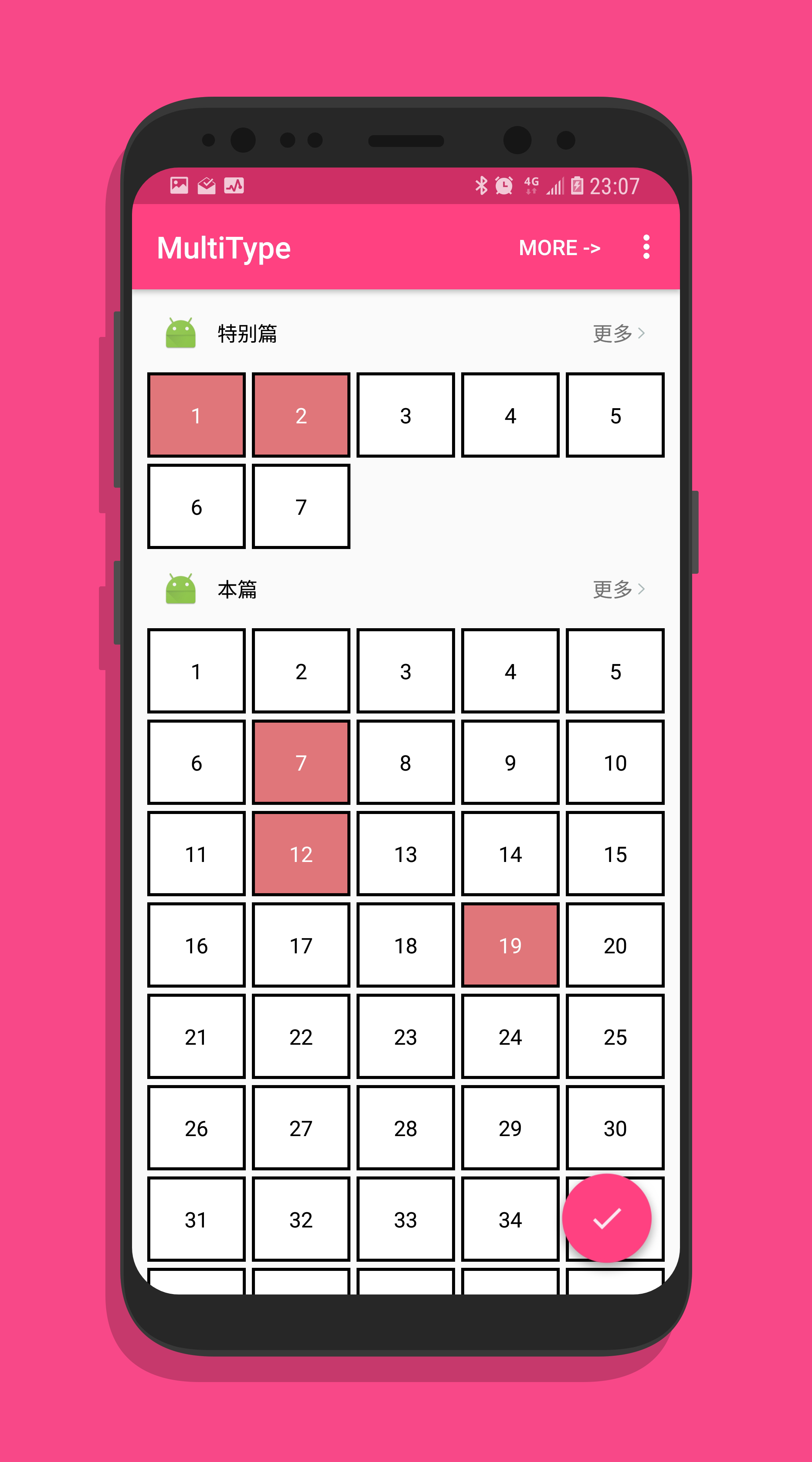
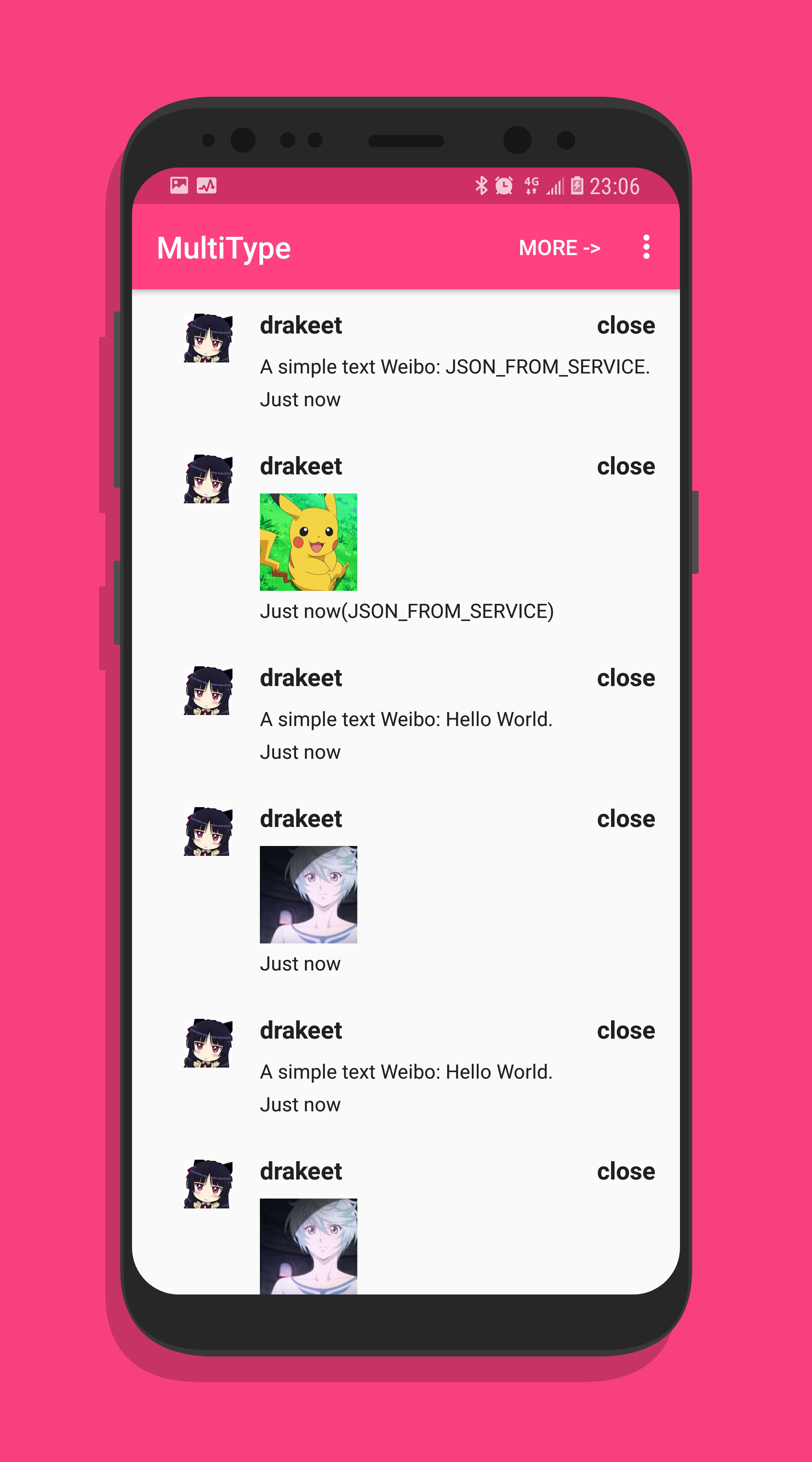
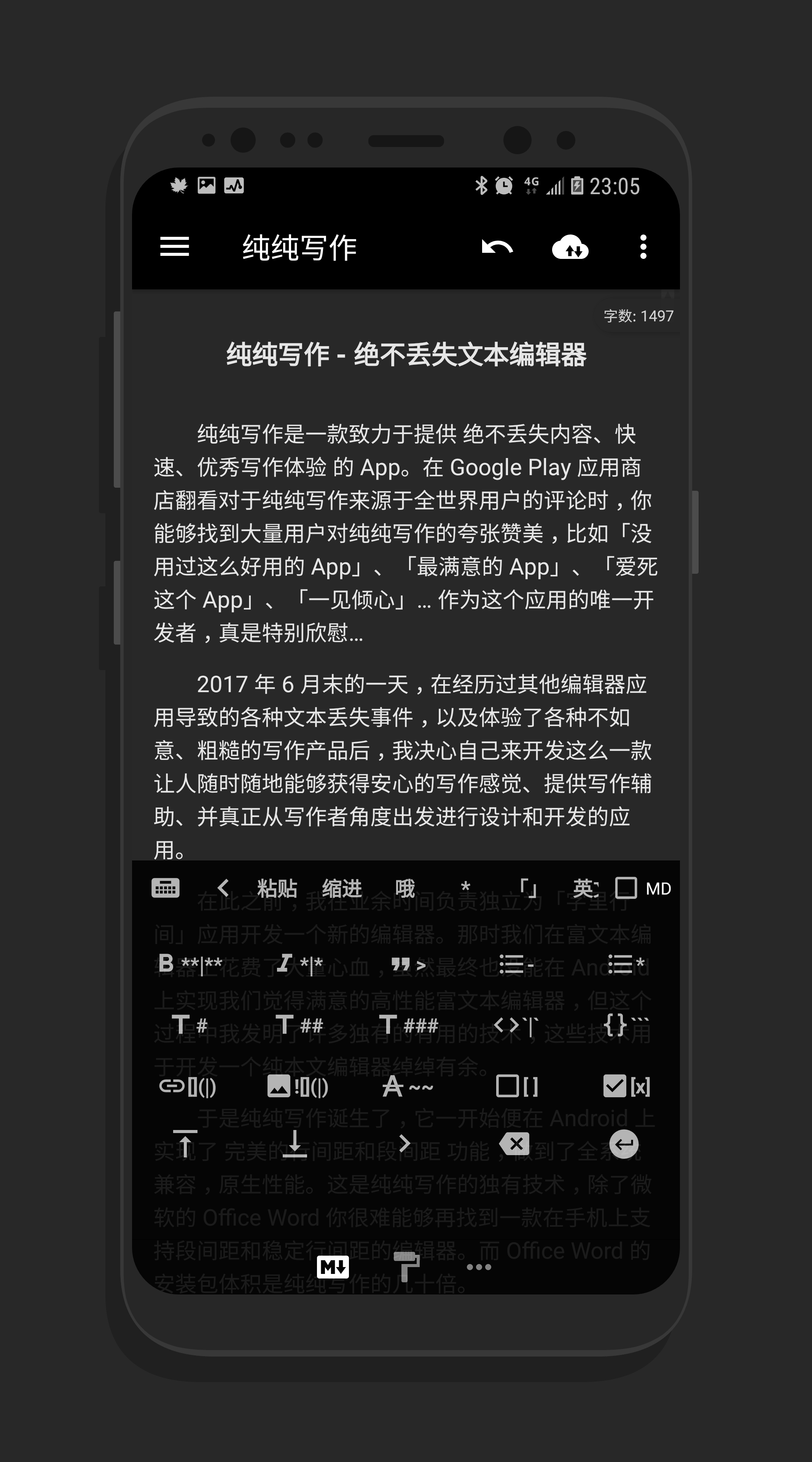
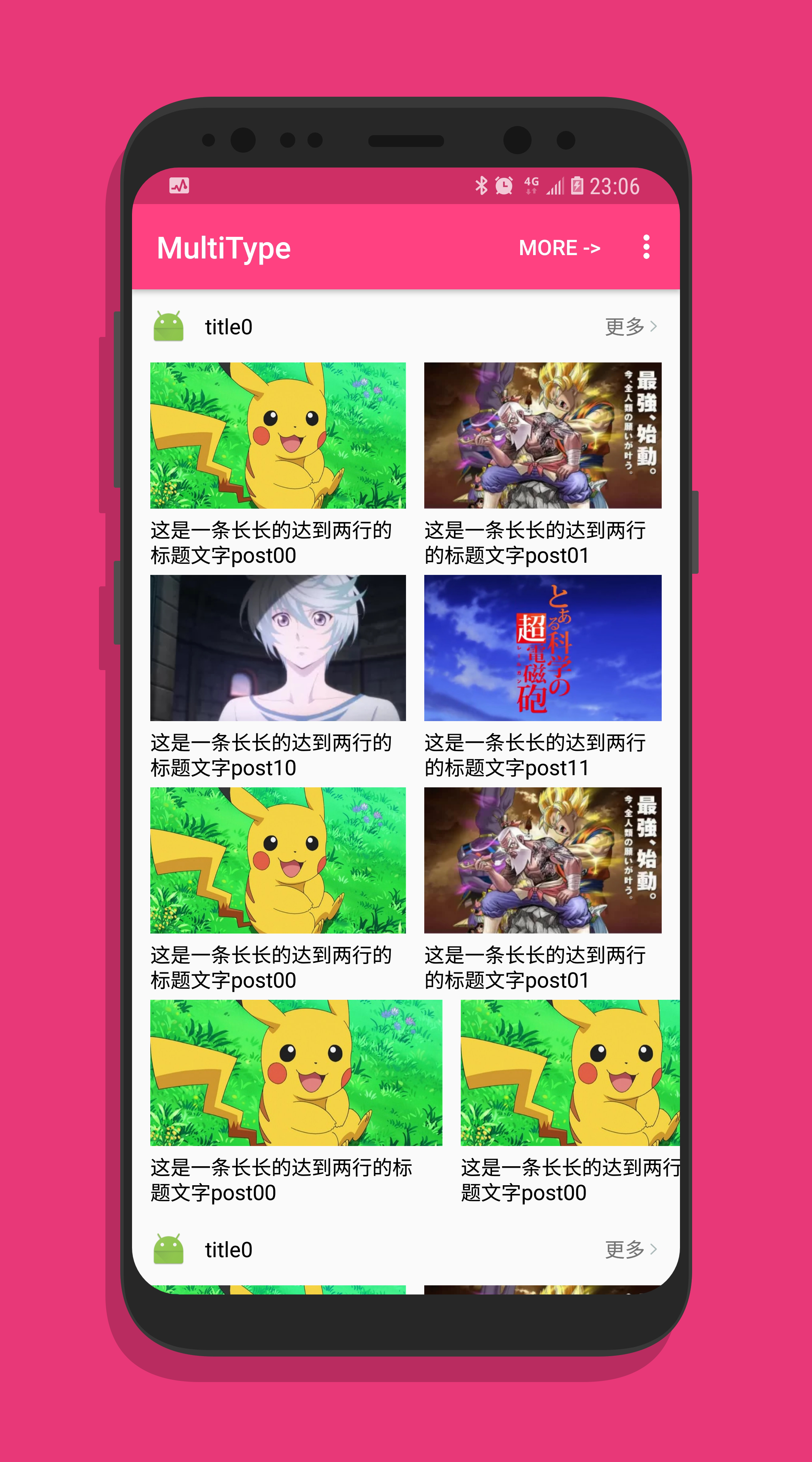
Pages created with MultiType:




Copyright (c) 2016-present. Drakeet Xu Licensed under the Apache License, Version 2.0 (the "License"); you may not use this file except in compliance with the License. You may obtain a copy of the License at http://www.apache.org/licenses/LICENSE-2.0 Unless required by applicable law or agreed to in writing, software distributed under the License is distributed on an "AS IS" BASIS, WITHOUT WARRANTIES OR CONDITIONS OF ANY KIND, either express or implied. See the License for the specific language governing permissions and limitations under the License.