



Note: ARKit is only supported by mobile devices with A9 or later processors (iPhone 6s/7/SE/8/X, iPad 2017/Pro) on iOS 11 and newer. For some features iOS 12 or newer is required.
Follow the installation instructions from Dart Packages site.
ARKit uses the device camera, so do not forget to provide the NSCameraUsageDescription. You may specify it in Info.plist like that:
<key>NSCameraUsageDescription</key> <string>Describe why your app needs AR here.</string>At the top level of the ios folder uncomment the second line in the Podfile and change the iOS minimum version from 9.0 to the appropriate one. The minimum supported iOS version is 11.0, though if you need image anchors use 11.3, for image tracking configuration or face tracking set 12.0, and for body tracking minimum version must be 13.0.
From:
# platform :ios, '9.0'To:
platform:ios,'11.0'NOTE: If when running for the first time you get a cocoapods error, delete the Podfile.lock file in the ios folder. Open the ios folder in the terminal and run:
pod install The simplest code example:
import'package:flutter/material.dart'; import'package:arkit_plugin/arkit_plugin.dart'; import'package:vector_math/vector_math_64.dart'; voidmain() =>runApp(MaterialApp(home:MyApp())); classMyAppextendsStatefulWidget{@override_MyAppStatecreateState() =>_MyAppState()} class_MyAppStateextendsState<MyApp>{lateARKitController arkitController; @overridevoiddispose(){arkitController.dispose(); super.dispose()} @overrideWidgetbuild(BuildContext context) =>Scaffold( appBar:AppBar(title:constText('ARKit in Flutter')), body:ARKitSceneView(onARKitViewCreated: onARKitViewCreated)); voidonARKitViewCreated(ARKitController arkitController){this.arkitController = arkitController; final node =ARKitNode( geometry:ARKitSphere(radius:0.1), position:Vector3(0, 0, -0.5)); this.arkitController.add(node)} }Result:

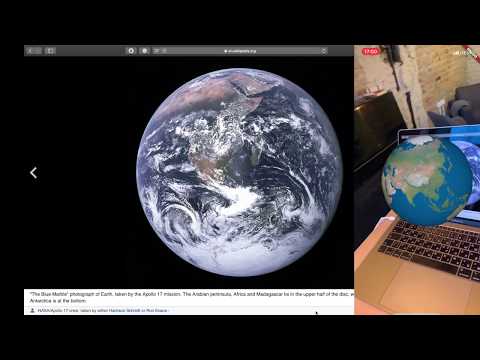
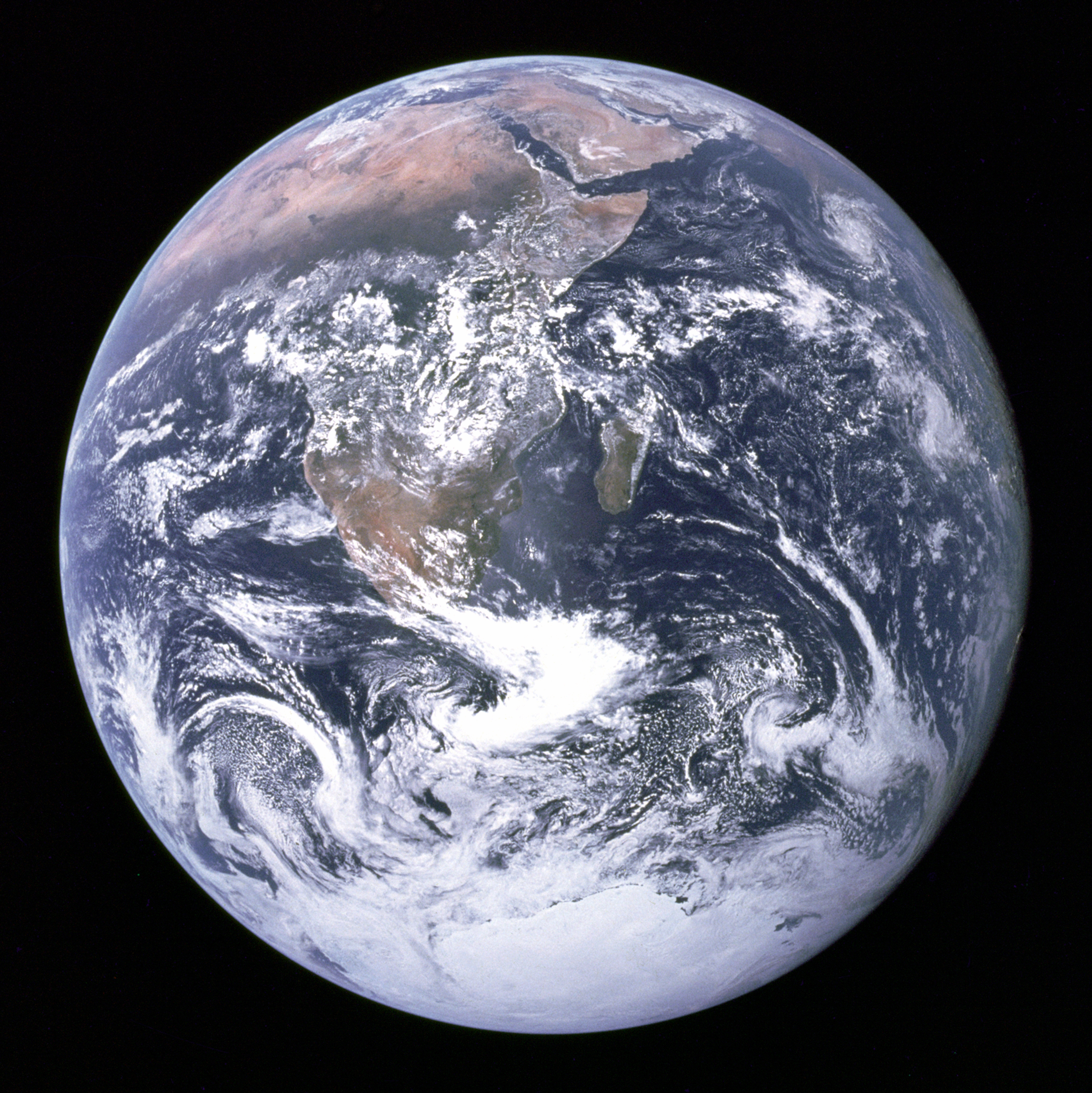
I would highly recommend to review the sample from the Example folder inside the plugin. Some samples rely on this Earth image
| Name | Description | Link | Demo |
|---|---|---|---|
| Hello World | The simplest scene with different geometries. | code | |
| Check configuration | Shows which kinds of AR configuration are supported on the device | code | |
| Earth | Sphere with an image texture and rotation animation. | code | |
| Tap | Sphere which handles tap event. | code | |
| Midas | Turns walls, floor, and Earth itself into gold by tap. | code | |
| Plane Detection | Detects horizontal plane. | code | |
| Distance tracking | Detects horizontal plane and track distance on it. | code | |
| Measure | Measures distances | code | |
| Physics | A sphere and a plane with dynamic and static physics | code | |
| Image Detection | Detects Earth photo and puts a 3D object near it. | code | |
| Network Image Detection | Detects Mars photo and puts a 3D object near it. | code | |
| Custom Light | Hello World scene with a custom light spot. | code | |
| Light Estimation | Estimates and applies the light around you. | code | |
| Custom Object | Place custom object on plane with coaching overlay. | code | |
| Load .gltf .glb | Load .gltf or .glb from the Flutter assets or the Documents folder. | code | |
| Occlusion | Spheres which are not visible after horizontal and vertical planes. | code | |
| Manipulation | Custom objects with pinch and rotation events. | code | |
| Face Tracking | Face mask sample. | code | |
| Body Tracking | Dash that follows your hand. | code | |
| Panorama | 360 photo. | code | |
| Video | 360 video. | code | |
| Custom Animation | Custom object animation. Port of https://github.com/eh3rrera/ARKitAnimation | code | |
| Widget Projection | Flutter widgets in AR | code | |
| Real Time Updates | Calls a function once per frame | code | |
| Snapshot | Make a photo of AR content | code |
If you prefer video here is a playlist with "AR in Flutter" videos:
You might want to check the device capabilities before establishing an AR session. Review the Check Support sample for the implementation details.
If your app requires placing objects consider using coaching overlays. Review the Custom Object sample for the implementation details.
The plugin supports TrueDepth API. In case you didn't use it, your app will be rejected by Apple. Hence you need to remove any TrueDepth functionality by modifying your Podfile file
post_installdo |installer| installer.pods_project.targets.eachdo |target| target.build_configurations.eachdo |config| ... # Here are some configurations automatically generated by flutterconfig.build_settings['OTHER_SWIFT_FLAGS']='-DDISABLE_TRUEDEPTH_API'endendend- Is it possible to use this plugin on Android?
No, as ARKit is not available on Android. You might want to try ARCore plugin instead. - My app crashes when I open the AR scene several times. Why?
Most probably that's because you didn't calldisposemethod on the ARKit controller. - One of the features I need is merged in the repository, but is not available on pub.dev. How can I use the latest version?
You may use the latest version by changing thepubspec.yamldependency to:
dependencies: arkit_plugin: git: git://github.com/olexale/arkit_flutter_plugin.gitIf you find a bug or would like to request a new feature, just open an issue. Your contributions are always welcome!